Put the day you planned next to the day you had
Planners tell you what you intended. Time trackers tell you what happened. Almost nothing puts the two in the same view - which is exactly where the useful information lives. Fezer’s Compare mode is built around that gap.
Why plans stop working after a week
The usual failure is not laziness, it is calibration. You block ninety minutes for something that reliably takes three hours. You schedule deep work at 9:00 when you have never once started before 9:40. You leave no gap between commitments because on paper they fit exactly.
None of that is visible from the plan alone, and it is not visible from a time tracker alone either. It only appears when the intended day and the real day are drawn on the same axis.
How the loop works
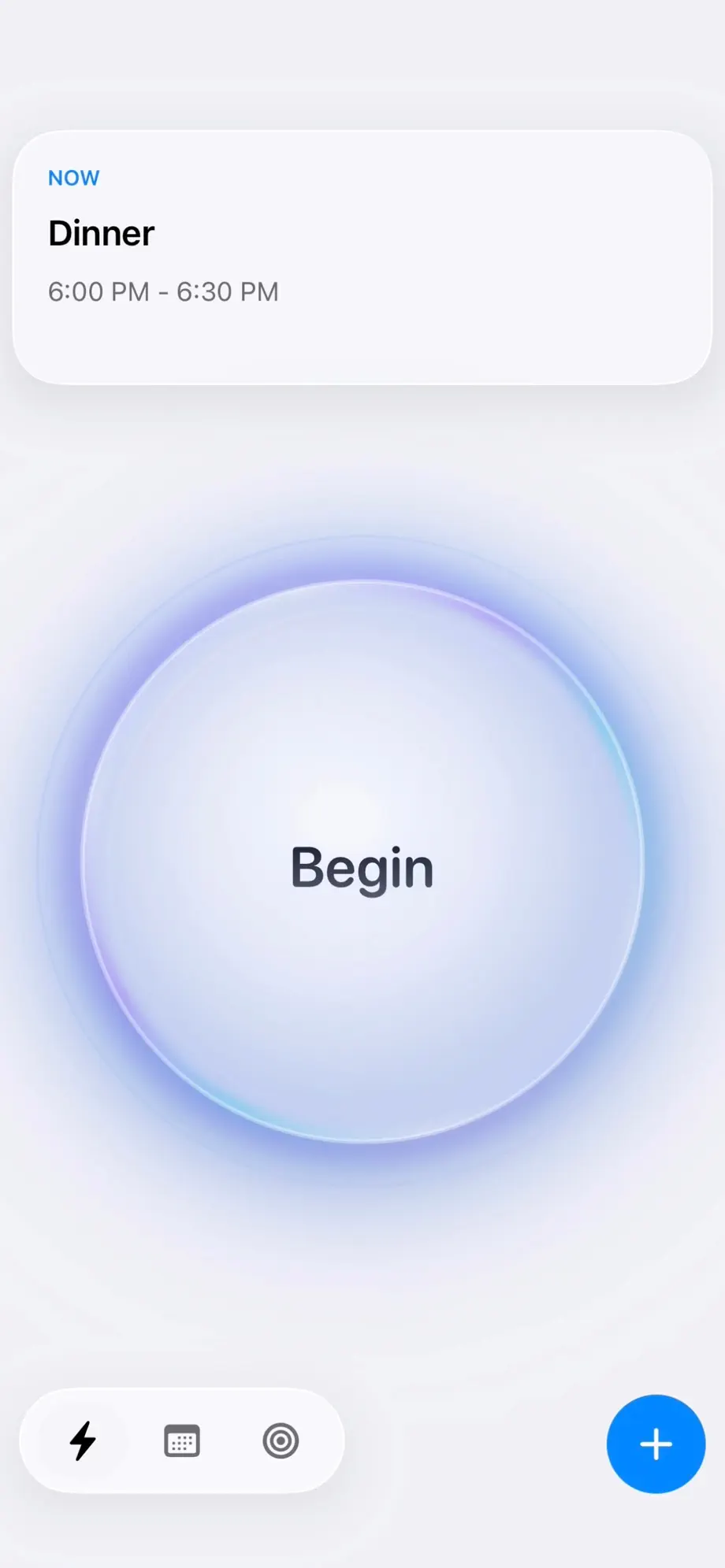
Plan mode is where you lay the day out in blocks, with repeating blocks carrying your routines forward. Track mode records reality - tap Begin to start a session, add checkpoints as the work changes shape, tap End and the session lands on the timeline as a tracked block.
Compare mode then draws both columns against the same hours. Planned on one side, tracked on the other. Overruns, late starts, blocks that never happened and work that was never planned at all are all immediately legible.
What the comparison tends to reveal
Three patterns show up for almost everyone. Setup and transition time is invisible in planning and substantial in reality. Estimates for creative or open-ended work are wrong by a consistent multiple rather than randomly. And the work that quietly consumes the day is usually work that was never on the plan.
Once you can see your own multiplier, estimating stops being guesswork. A block you would have written as an hour becomes ninety minutes because you have a week of evidence saying so.
Analytics across days and weeks
Single days are noisy. Fezer’s Analytics view aggregates tracked time by area and by plan across a day or a week, so you can see where the hours are really going at a level above individual blocks.
This is where the planning layer pays off: because steps are committed onto the schedule and tracked against their goal, you get an honest read on which goals are actually receiving time and which have been getting intentions.
Not a timesheet
This is deliberately not billing software. There are no clients, no invoices, no rates, no exports for a manager and no team dashboards. Nobody else sees any of it, because it never leaves your device.
The only audience for the comparison is you, and the only purpose is making the next plan more accurate than the last one.
Who this is for
Probably not for you if
- You need to bill clients or produce timesheets for an employer.
- You want a team to share tracked time with.
- You want tracking to happen automatically in the background.
- You are looking for a pure to-do list rather than a schedule.
Worth trying if
- Your time estimates are consistently wrong and you want to know by how much.
- You already time block but the blocks have drifted into fiction.
- You suspect a large part of your week goes somewhere you cannot name.
- You want the feedback loop without handing your schedule to a server.
Frequently asked questions
- What is planned vs. actual time tracking?
- It is comparing the time you scheduled for something against the time it actually took. Rather than only recording hours, you record them against an intention, which turns tracking into feedback you can plan with.
- Does Fezer track my time automatically?
- No. Sessions start and stop when you tap Begin and End. Automatic tracking requires monitoring what you are doing, which would mean collecting far more about you than Fezer is willing to collect.
- What are checkpoints?
- Notes you add inside a running session to mark that the work changed shape - finished a draft, got interrupted, switched to something else. They give a long session internal structure so you can see how it actually unfolded.
- Can I see planned against actual time for a whole week?
- Yes. Compare mode works day by day, and the Analytics view aggregates tracked time by area and by plan across a day or a week.
- Is this the same as a Pomodoro timer?
- No. A Pomodoro timer imposes a fixed cycle of work and break intervals. Fezer records sessions of whatever length actually happened, so the record reflects your real working rhythm rather than a prescribed one.
- Can I export my tracked time?
- Not currently. Fezer is built as a personal feedback loop rather than a reporting tool, and everything stays on the device.
Try Fezer for free
Free to plan and track, on iPhone, iPad and Android. No account, no ads, and nothing you write ever leaves your device.