A personal time tracker, not a surveillance tool
Most time trackers were built for billing clients: timers, categories, exports. Fezer tracks time for one audience - you. One tap to begin, checkpoints along the way, and analytics that show where your time actually went.
The problem with tracking every second
Traditional time tracking demands constant bookkeeping: pick a project, pick a tag, start the timer, stop the timer, fix the entry you forgot. The overhead is fine when someone is paying for the hours. For personal insight, it kills the habit within days.
Useful personal tracking needs to be nearly effortless and needs to feed back into planning. Knowing you spent 6 hours "working" is trivia; seeing that your planned two-hour block actually took four is something you can act on tomorrow.
How time tracking works in Fezer
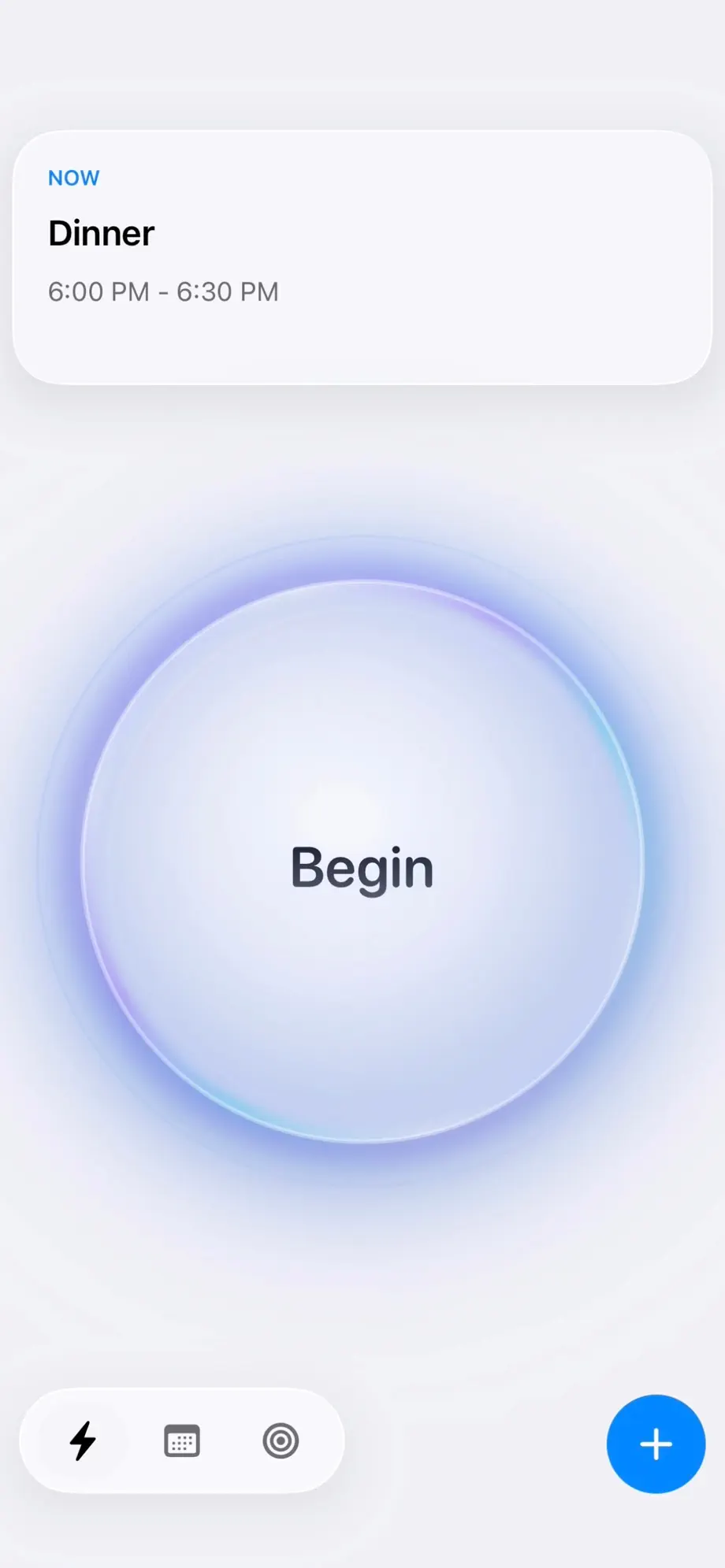
Tracking lives on the Now tab, one tap away at any moment.
- 1
Tap Begin
One big button starts a session. Optionally attach it to an area, a plan or a specific step - or just track and name it later.
- 2
Drop checkpoints as you go
Tap Submit to add a checkpoint: a note or a photo capturing how the work unfolded. The session keeps running.
- 3
End the session
The tracked time lands on your Schedule as a tracked block, with its checkpoints attached. A running session also shows up in Now as LIVE.
- 4
Read the results in Analytics
Analytics breaks tracked time down by area and plan across the day, week, month or year - and Compare shows planned versus actual for any day.
Example: finding where the day leaks
You suspect your mornings evaporate but cannot say where. For one week, you tap Begin when you start anything substantial and End when you stop - no categories, no ceremony. When something notable happens mid-session, you Submit a checkpoint.
By Friday, Analytics shows the story: the "quick email check" after breakfast averages 50 minutes, and transit eats more than either break. You block email into a fixed 20-minute slot and move a reading block onto the commute. Tracking earned its keep in a week, without turning into a second job.
What you get
One-tap sessions
Begin and End. That is the whole workflow when you want it to be.
Checkpoints
Add notes and photos mid-session to capture how the work actually unfolded.
Plan-aware tracking
Attach sessions to areas, plans or steps so tracked time counts toward something.
Tracked blocks
Sessions appear on your schedule beside the plan, not in a separate report.
Plan vs. reality analytics
Day, week, month and year breakdowns by area and plan.
Completely private
Your tracking history stays on the device. No account, no cloud copy of your day.
Own your day with Fezer
Free to plan and track, on iPhone, iPad and Android. No account, no ads, and nothing you write ever leaves your device.